OpenClaw, Open WebUI, Continue, Cursor, an SDK, or your own app.
- Base URL
- https://gpuintegrate.com/v1
Routing blueprint
gpuintegrate routes model requests from your local agent to verified provider GPUs. Your tools and files stay on your computer; streamed model responses come back through one familiar API.
OpenClaw, Open WebUI, Continue, Cursor, an SDK, or your own app.
Authenticates the request and selects an eligible provider node.
Only approved nodes with a fresh heartbeat and the requested model receive work.
Tokens stream back to the agent while tools and files stay on the customer computer.
The route is simple for customers and strict about provider eligibility behind the scenes.
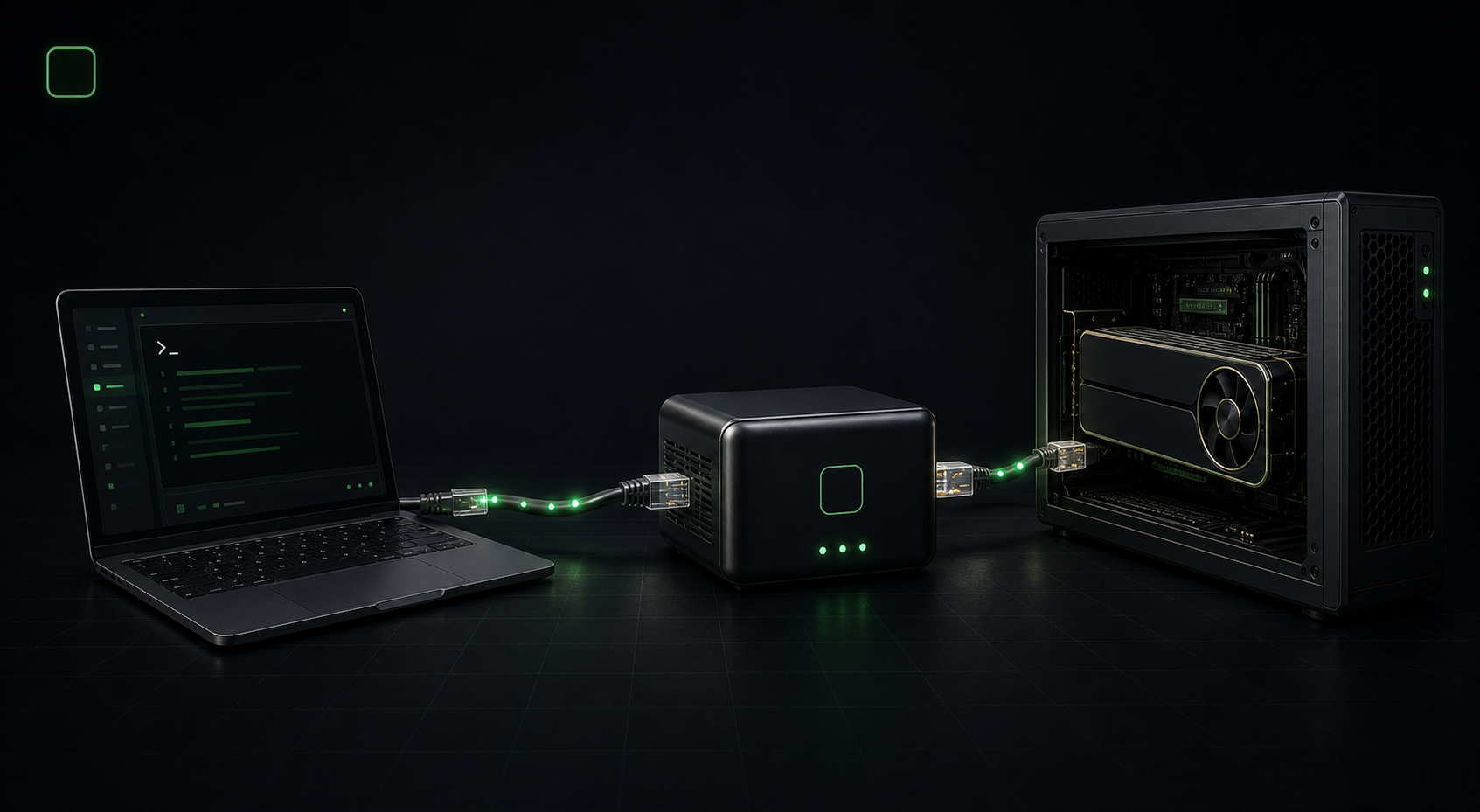
Create an API key, select an available model, and point your OpenAI-compatible client to gpuintegrate.
The scheduler checks provider approval, node health, model readiness, capacity, and worker version.
The Provider App sends only model inference work to the local runtime. It does not expose the provider computer.
The response streams back to the customer, then the wallet ledger and provider earning are recorded.
The public demo is simulated, anonymous, and rate limited. A real completion requires a customer account and credits.
https://gpuintegrate.com/v1/chat/completionsRun the sample to see an OpenAI-compatible response and an anonymous route snapshot.
Read the public model catalog and safe availability counts.
gpuintegrate routes model inference only. Customer agents do not gain access to provider machines.
Files, shell commands, browser actions, and the agent runtime remain on the customer computer.
Customers cannot open remote desktop, SSH, files, or arbitrary processes on provider computers.
Only verified providers and approved nodes with a fresh heartbeat and ready model receive requests.
Successful usage, refunds, provider earnings, reversals, and payouts remain traceable.
No remote desktop, SSH, arbitrary customer containers, private host mounts, or cross-provider tensor parallelism.
Read the Trust CenterGet a Base URL, API key, available model, streaming test, request trace, and transparent credit usage.
Open Agent ConnectInstall the Provider App, scan hardware, download a recommended model, start sharing, and track earnings.
Start provider setupStart with the Base URL, one API key, and a model that is available now.